Direct answer
If the game is still running but a required tutorial action cannot be completed, capture the exact prompt and current action points, then use the in-game restart-mission option. Do not delete the campaign. If the same state repeats, report the class, weapon, step, platform, and a clip.
Do these in order
- 01
Pause and capture the objective, prompt, operator, weapon, and remaining action points.
- 02
Check the on-demand tooltip for the required action and target.
- 03
Use Restart Mission from the game menu; StarWars.com's official guide confirms that this option is available.
- 04
Repeat the minimum path once without changing unrelated settings.
- 05
If it blocks again, stop restarting and file a reproducible report.
Reported action-point edge case
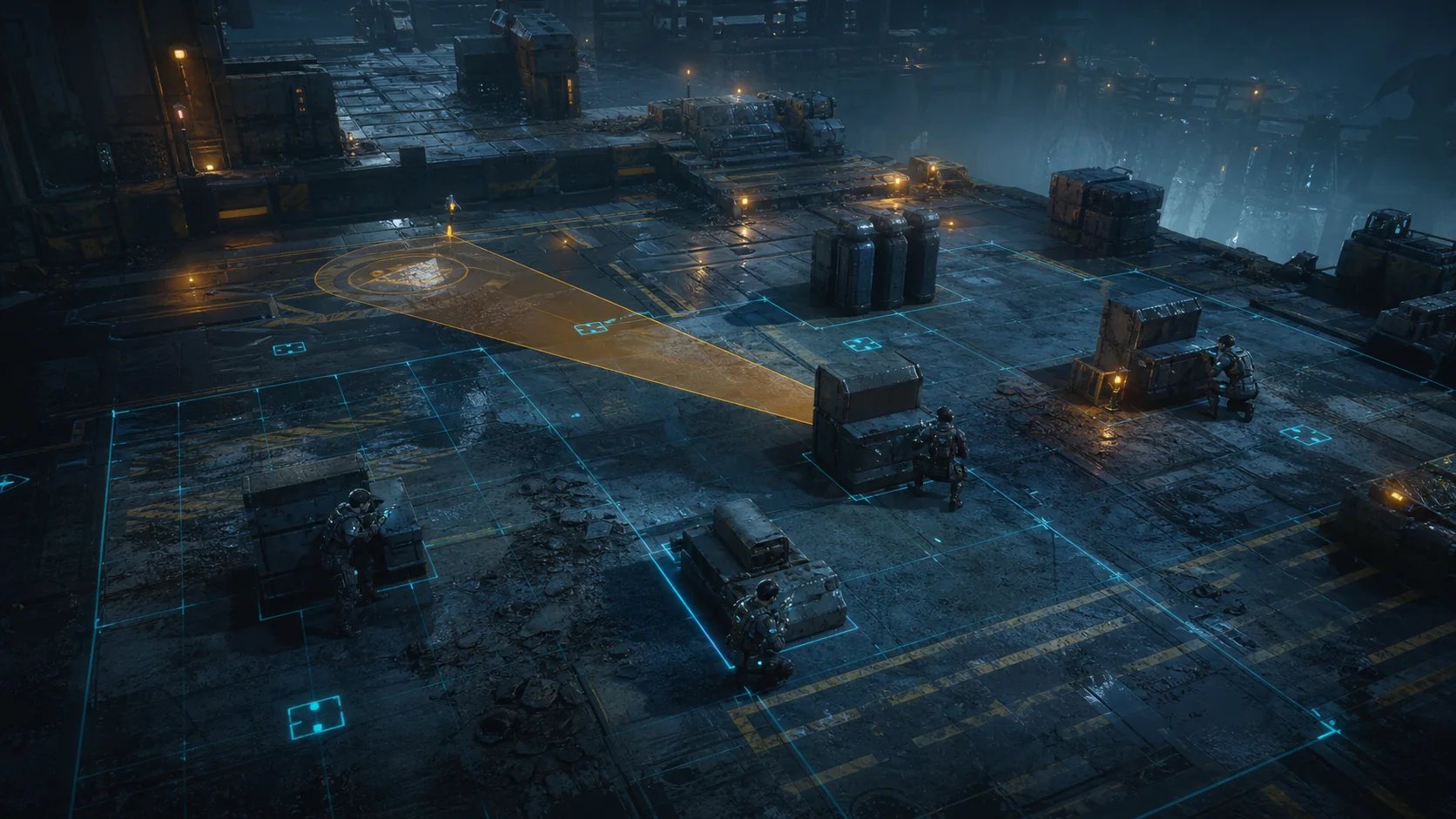
One launch-day report described a tutorial shot becoming difficult after choosing Sharpshooter with a longarm that consumed more action points. The player completed it after restarting and finding a workable position. This is an individual report, not a universal class bug.
Crash or softlock?
If the game closes or the PC restarts, use the crash guide. This page is for a live game state where the required prompt or action cannot advance.
Protect the campaign
Restart the mission before considering any save intervention. The official beginner guide says missions can be restarted from the game menu. No source used here supports deleting or editing save files.
Make the report actionable
Include the exact tutorial objective, chosen specialization, weapon, remaining AP, target tile, platform, and whether a second restart reproduces it.
Sources checked
Official and platform sources establish supported behavior. Independent reporting can carry attributed developer statements or hands-on findings. Community links establish symptoms and player language only.
OfficialOfficial tutorial, action-point, objective, and restart-mission behavior.
Used to track recurring symptoms and player language, not as proof of a universal fix.